Deployment-ready
Installation, requirements, and environment checklists validated against the free release.
A curated knowledge base for the Kitbix Commerce plugin—covering setup, checkout, analytics, and extensibility without touching Pro-only components.
Why Kitbix Docs
Installation, requirements, and environment checklists validated against the free release.
Cart + checkout configuration, payment gateway coverage, and troubleshooting notes.
Built-in dashboard documentation, REST payloads, and range switch behavior.
Hooks, filters, database schema, and REST endpoints with code-grounded examples.
Workflow Outline
Activate Kitbix, run the onboarding checklist, and seed sample orders for testing.
Configure products, categories, checkout flows, and transactional email templates.
Enable urgency, trust, and conversational addons with copy-paste guidance.
Tap into Kitbix hooks & REST APIs to ship custom checkout logic or dashboards.
Bundled Addons
Surface social proof banners sourced from recent orders.
Display rotating viewer counts to create urgency.
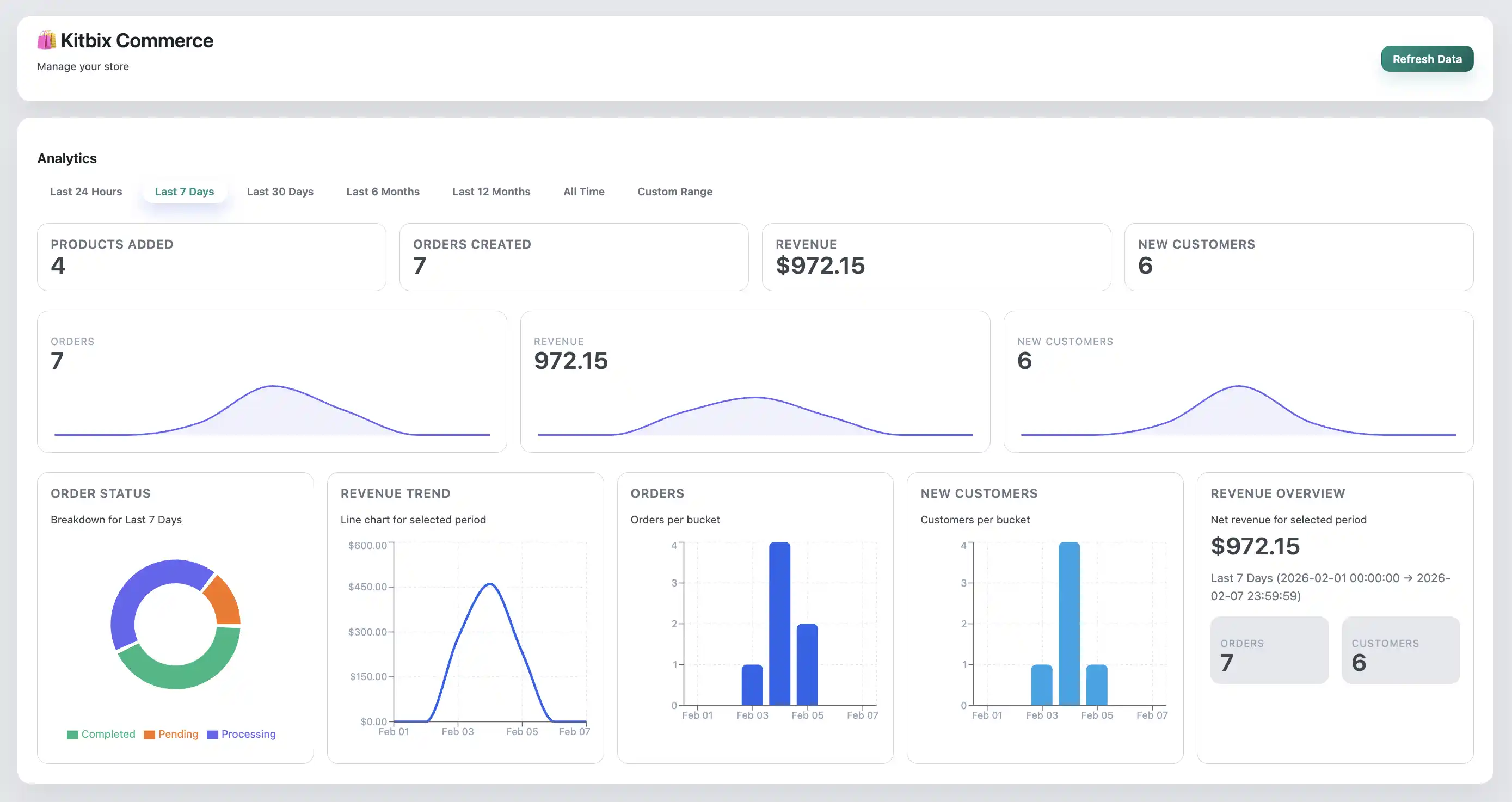
Understand revenue and product trends via the built-in dashboard.
Browse detailed documentation, copy snippets, and follow guided workflows built specifically for the free Kitbix Commerce plugin.